Text to Video AI Generator · Max Video AI
Turn written ideas into AI videos with Max Video AI. Describe your subject, action, setting, and camera style, then generate a clip you can download and share.
Text to Video AI Generator Examples
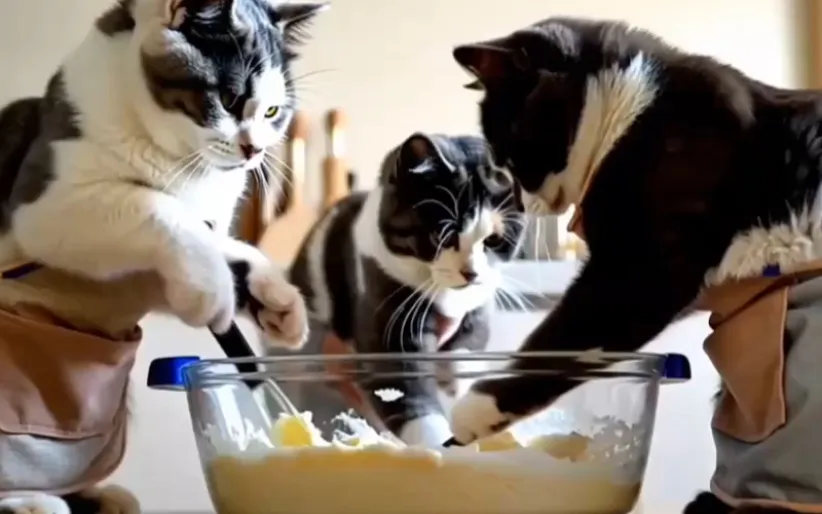
Unlock your creativity with our Text to Video AI Generator! See how simple text prompts can become impressive videos. These examples highlight what's possible and are here to spark your own unique ideas.
Key Features of the Text to Video AI Generator
Our Text to Video AI Generator is built for ease of use and efficiency. Create videos from text quickly with a simple interface and intuitive controls.

Easy to Use
Our intuitive interface makes video creation accessible to everyone. No tech skills needed—just enter your text, pick a style, and let our AI do the rest.
Realistic and Smooth Effects
Create lifelike video animations with smooth, natural motion. Our advanced AI delivers seamless transitions and realistic movement, bringing your ideas to life with amazing visual quality.
High-Quality Output
Get professional-grade results every time. Our AI produces videos with sharp clarity, vibrant colors, and fluid motion, all while preserving the essence of your original input.
Flexible Adaptation
Customize your videos to fit your needs. Adjust settings, try different styles, and create unique animations that match your creative vision or business goals.
Benefits of the Text to Video AI Generator
Our Text to Video AI Generator is user-friendly and efficient, letting you turn text into videos quickly with a straightforward interface and easy controls.
Realistic and Smooth Effects
Produce lifelike video animations with smooth, natural motion. Our advanced AI ensures seamless transitions and realistic movement for visually stunning results.
High-Quality Output
Enjoy top-tier results with every video. Our AI delivers exceptional clarity, vibrant colors, and smooth motion while staying true to your original content.
Flexible Adaptation
Personalize your videos to fit your needs. Adjust parameters, explore different styles, and create one-of-a-kind animations that reflect your vision.
High-Quality Output
Get professional results every time. Our AI produces videos with outstanding clarity, vivid colors, and smooth motion, maintaining the integrity of your ideas.
How to Use the Text to Video AI Generator
Check out our Text to Video AI Generator examples to explore creative possibilities.

Social Media Content Creation
Content creators and social media pros use our AI text-to-video tool to make eye-catching content. This technology helps them quickly produce visually engaging videos that reach more people and boost engagement.

Personal Creative Projects
Anyone can easily turn text into amazing videos with our AI tools. No professional skills required—just enjoy the creative process and have fun bringing your ideas to life.

Marketing and Advertising
Our AI text-to-video technology helps businesses visualize their marketing campaigns. Upload product descriptions and watch your marketing ideas come alive, giving you valuable insights to refine your strategy.
More Video Effects for Text to Video AI Generator
Browse our collection of AI video effect templates, designed to help you create stunning videos with ease. Each template is customizable and ready to use, so you can bring your ideas to life with amazing visuals.

Transform text & images into stunning AI videos

Transform still photos into dynamic videos

Turn text into amazing videos instantly

Transform your photos into dynamic videos
Social Media Reviews of the Text to Video AI Generator
See the latest reviews and feedback from users of the Text to Video AI Generator.
How to Use Text to Video AI for Video Creation
No complicated steps—just follow these 3 simple steps to make an AI video.